Improve a service such as cafe collection, club registration or school equipment borrowing. Design the experience across people, processes and physical or digital touchpoints.
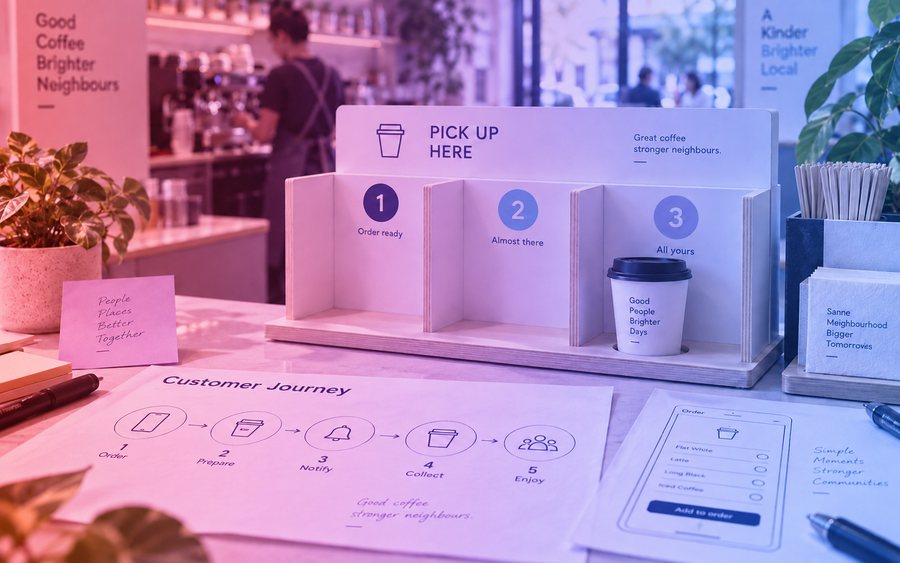
A journey map, service blueprint and prototype of a priority touchpoint.
An exhibition or demonstration of the work to an audience, with questions answered and a design rationale given. Each project produces an individual portfolio case-study entry, even when delivery is team-based.
Three 50-minute lessons a week. Checkpoints at weeks 2, 4, 6 and 8 keep every team on track; the teacher guide gives each lesson a starter, a main activity and a plenary.
Lesson-by-lesson sequence illustrative, from the programme arc, until the teacher guide is supplied.
Every lesson in the teacher guide follows the same shape: what students should be able to do by the end, a starter, a main activity, a plenary, and the resources to run it. This one is open to everyone.
Each part has its own criteria and rubric in the teacher guide. Judge students at each checkpoint and at the showcase on the tracker, so the evidence is complete when the project ends.
Students use educator-approved AI tools only. No identifiable personal data about participants is entered into AI tools; consent is obtained for research and publication; AI assistance is recorded alongside students’ own decisions. The teacher guide sets out the tool-approval and data rules for this project.
A 7-day free trial opens one full project for the year group you teach, on screen, and lets you browse the rest, including Make the Service Work. A School subscription, priced by the size of the school and covering every teacher in it, unlocks the downloads for the programmes your school chooses. Next term’s project opens four weeks early so you can plan.
A school email address is required to register.
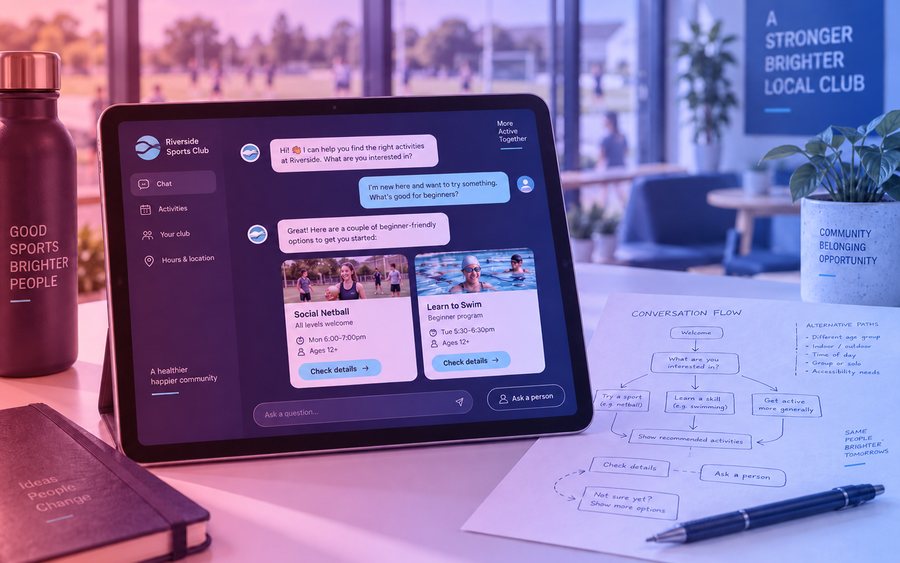
Design an AI assistant experience for a low-risk task: finding local events, understanding club activities or navigating a shop. Design for uncertainty, user control and recovery from mistakes.
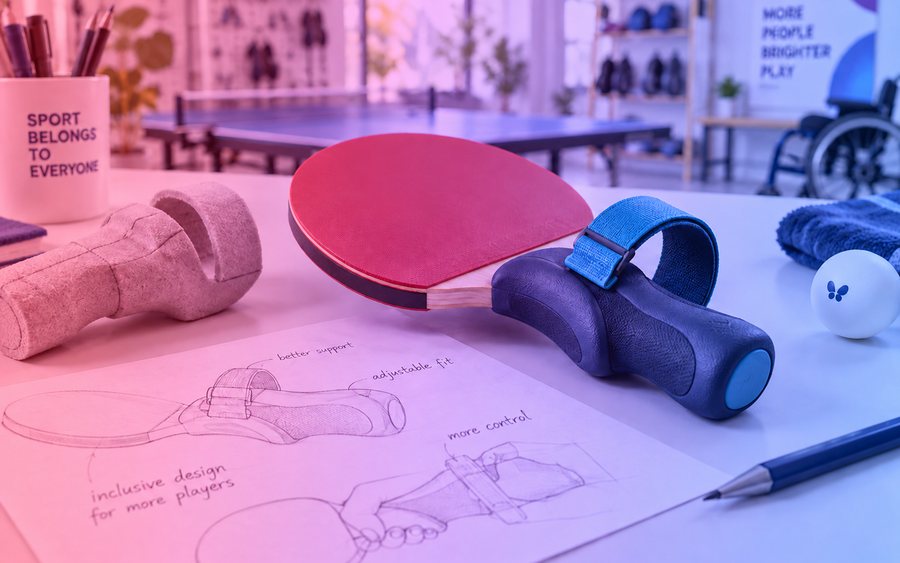
The Year 9 project this one builds on. Redesign a product used in sport, shopping or learning for someone with a specific access or usability need. Work from the person’s own feedback rather than assumptions about their abilities.
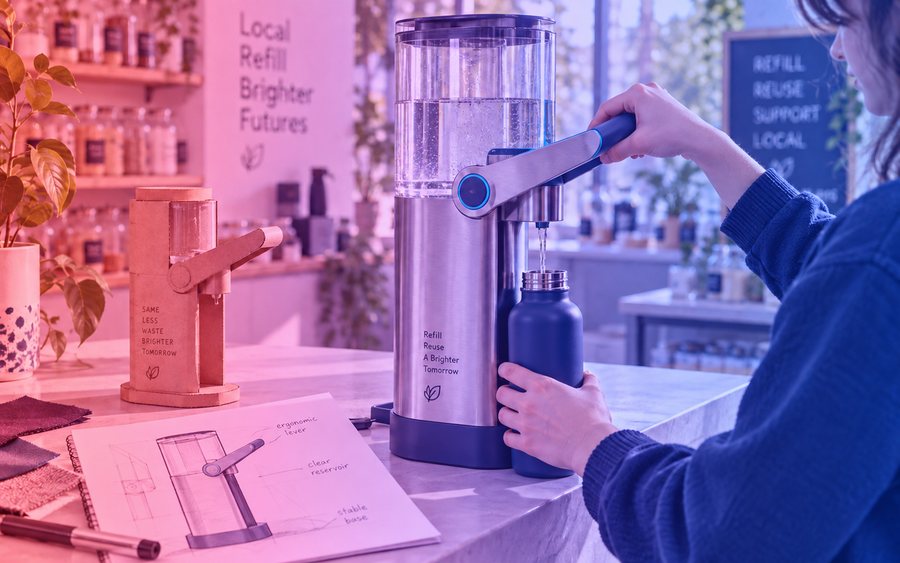
Where this leads in Year 11. Develop a product or service with a local business, club, community group or school partner. Verify a user need, narrow the brief to one achievable outcome and refine it through repeated testing.
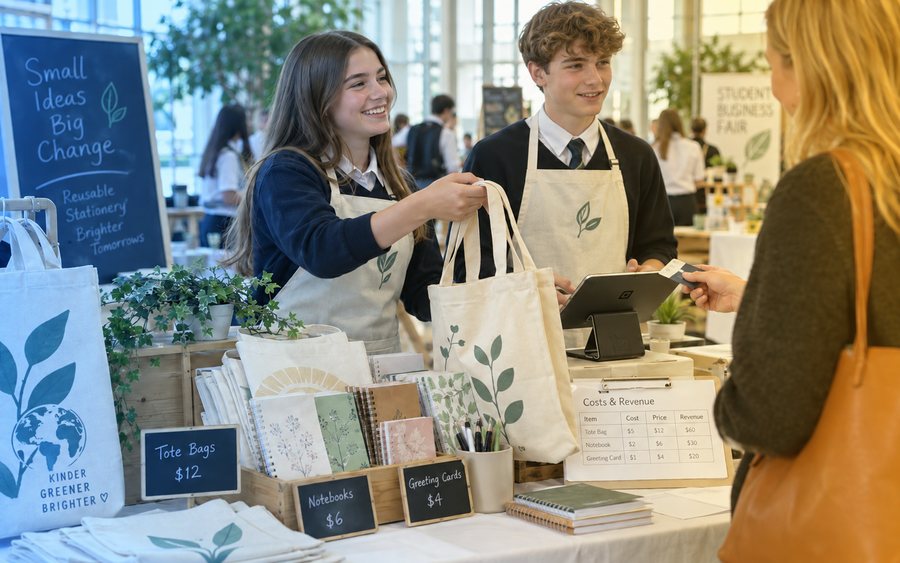
The Entrepreneur Hub project taught in the same term. Run a real school business — market and sell to real customers, then analyse how it performed.